Break the language barrier
on WhatsApp
A free two-way translation and quick-reply extension for WhatsApp Web, built for international trade. Incoming messages are auto-translated into your language, your replies are translated into your customer's language with one click, and built-in trade templates cover 75 languages.
Key Features
Designed for global trade conversations
Two-way Translation
Incoming messages are auto-translated into your language; your replies are translated into your customer's language with one click.
Quick Replies
Built-in trade phrase templates organized by category. Send in one click and respond faster and more professionally.
Smart Contact Insight
Automatically detects your customer's country and language, showing flag and local time zone.
Trade Documents
Quotation, proforma invoice, packing list and more. Generate and export quickly, right from the chat.
Read-back Translation
Messages you paste and send in another language are auto-translated back for you to double-check.
Privacy First
Content is used only for instant translation. Feedback is kept for 7 days and can be withdrawn anytime.
Get Started in 3 Steps
No sign-up required
Install
Add the extension from the Chrome Web Store. No account needed.
Open WhatsApp Web
Open web.whatsapp.com and scan the QR code. The extension works automatically.
Start Chatting
Set your language and your customer's language, then enjoy auto-translation and quick replies.
Multiple Languages
Switch the UI language freely; translation covers major world languages
Frequently Asked Questions
Everything you need to know about Trade Translate
What is Trade Translate?
Trade Translate is a free Chrome extension that adds two-way auto translation to WhatsApp Web. Incoming messages are automatically translated into your language, and your replies are translated into your customer's language before they are sent.
Is Trade Translate free?
Yes. Trade Translate is free to install from the Chrome Web Store. No API key, no subscription, and no account sign-up are required.
Which languages does it support?
The extension interface is available in 14 languages, and message translation covers 75 languages, including English, Chinese, Spanish, Portuguese, Russian, French, German, Italian, Japanese, Korean, Arabic, Hindi, Thai and Vietnamese.
Does it work with the WhatsApp desktop app?
No. Trade Translate works on WhatsApp Web (web.whatsapp.com) in Chromium-based browsers such as Google Chrome and Microsoft Edge. It does not support the native WhatsApp desktop or mobile apps.
How do I start using it?
Install the extension, open web.whatsapp.com and scan the QR code to log in. The extension activates automatically. Set your language and your customer's language, and both auto-translation and quick replies start working immediately.
How do quick replies work?
Trade Translate includes categorized trade phrase templates for greetings, quotations, shipping, payment and more. Click a template to insert it into the chat box and send it translated into your customer's language in one click.
Is my chat content private?
Messages are translated in real time and used only for instant translation. If you submit feedback, it is kept for 7 days and can be withdrawn at any time. Feedback can be submitted anonymously without linking an account.
Start today and communicate smoothly
Free to install, no sign-up. Experience it now.
Install Trade Translate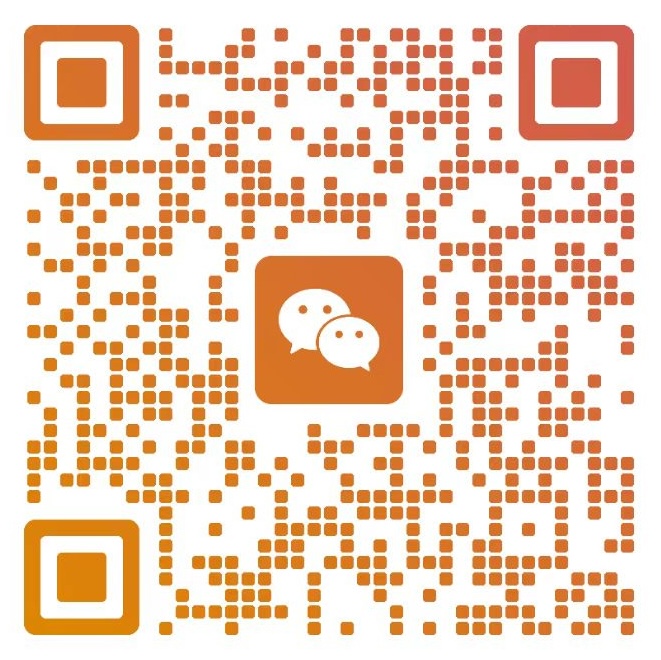
Contact Us
Business cooperation, customization or support — scan the QR code to add us on WeChat.